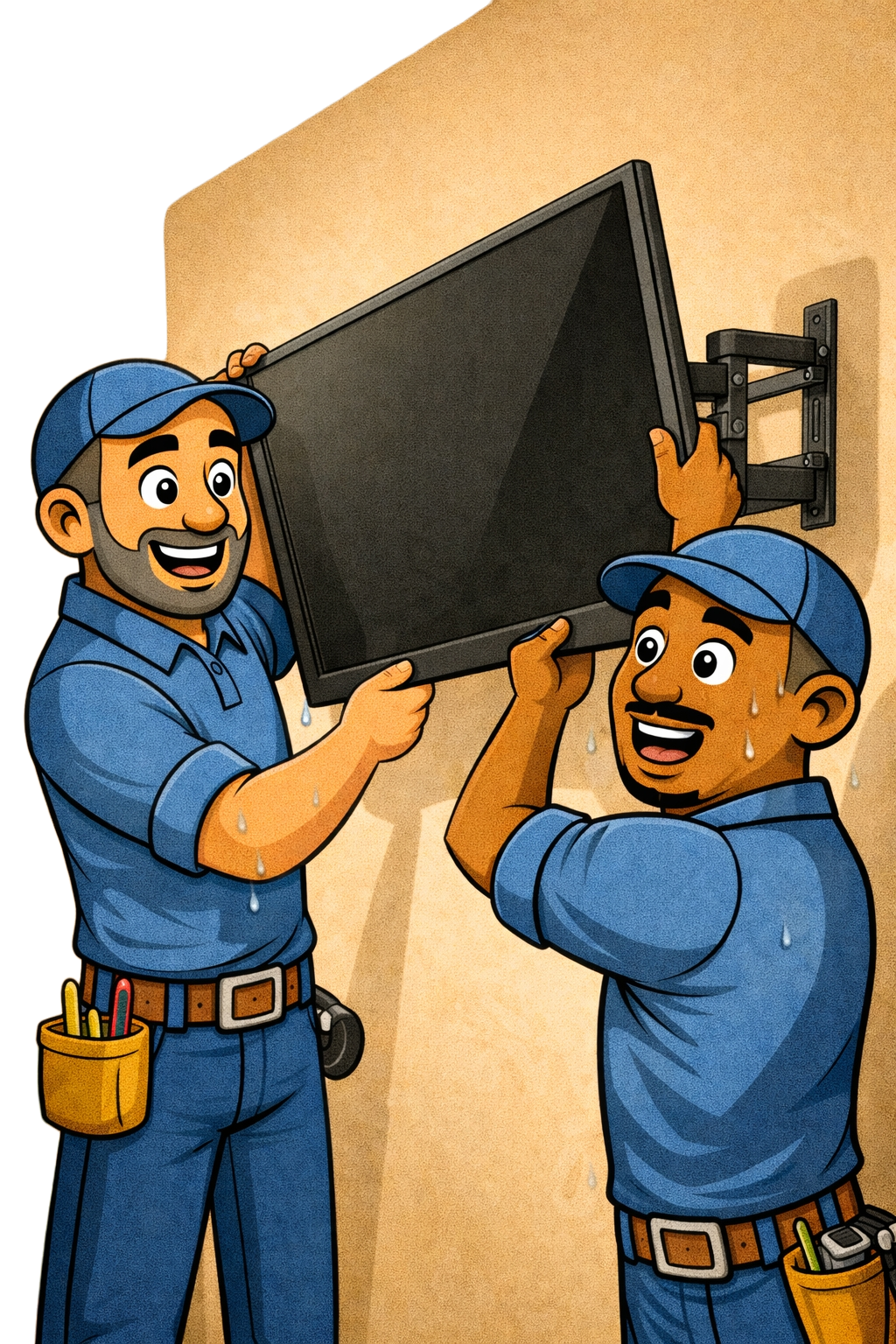
Your TV, On the Wall, Done Right
A mounted TV transforms a room—cleaner look, better viewing angles, and no more bulky furniture taking up floor space. But it needs to be done right. Wrong anchors, missed studs, or a crooked mount can mean a damaged wall or worse, a TV on the floor. We'll get it level, secure, and looking sharp.
📺 Standard TV Mount (Up to 55")
$149 | ~1 hour
- Mount TV up to 55" on drywall with wood studs
- Fixed, tilting, or full-motion mount (customer provides or we supply +cost(+15%))
- Level and secure installation
- Connect up to 3 devices (streaming box, soundbar, game console)
- Basic cable management (cables bundled and routed neatly)
- Test and verify operation
- Clean up work area
📺 Large TV Mount (56" – 75")
$199 | ~1.5 hours
Everything in Standard Mount, plus:
- Heavy-duty mounting hardware for larger displays
- Two-person handling for safe installation
- Extra attention to stud placement and weight distribution
- Ideal for living rooms, master bedrooms, and media rooms
📺 Extra-Large TV Mount (76"+)
$249 | ~2 hours
Everything in Large Mount, plus:
- Commercial-grade mounting solutions
- Multiple stud anchoring required
- Careful weight assessment and wall structure verification
- Perfect for home theaters and great rooms
Mount Types Explained
- Fixed/Low-profile: TV sits flat against wall, minimal gap, cleanest look. Best for eye-level viewing where you won't need to adjust.
- Tilting: Allows vertical angle adjustment. Great for mounting above eye level or reducing glare.
- Full-motion/Articulating: Extends from wall, swivels left/right, tilts up/down. Best for corner mounts, multi-angle viewing, or accessing cables behind TV.
- Ceiling mount: Suspended from ceiling. Used for commercial, outdoor patios, or unique room layouts. (Priced separately—ask for quote)
Cable Management Options
- Basic (included): Cables bundled, zip-tied, and routed along the wall or behind furniture
- Surface raceway (+$49): Paintable cord cover runs down the wall—clean look without cutting drywall
- In-wall concealment (+$99): Cables routed inside the wall for a completely clean look. Includes low-voltage plates and code-compliant power solution.
Special Wall Types (+cost)
- Metal studs: +$50 (requires toggle bolts or specialized anchors)
- Concrete/brick/stone: +$75 (masonry anchors and hammer drill required)
- Plaster over lath: +$50 (older homes, requires careful drilling)
- No studs available: +$50 (heavy-duty drywall anchors or mounting plate)
- Fireplace/above mantle: +$50 (height, heat considerations, often masonry)
Popular Add-Ons
- Soundbar mounting (below or above TV): +$49
- TV Mount: +$149
- Floating shelf for components: +$79 installed
- Outlet relocation behind TV: +$189 (keeps plugs hidden)
- Smart bias lighting (LED strip behind TV): +$59
- Additional device hookup (4+ devices): +$25
- Old mount/TV removal and haul-away: +$35
What's Included (All Tiers)
- Professional wall mount installation
- Stud finding and structural assessment
- Level, secure mounting with appropriate hardware
- Connect and test your devices
- Basic cable management
- Remote/app setup assistance
- Work area cleanup
- Mounting hardware (if using mount we supply)
What You Provide
- TV (obviously!)
- Wall mount (or we supply for cost + 15%—we'll recommend the right one)
- Any devices to connect (streaming stick, cable box, gaming console, etc.)
- HDMI cables if specific lengths needed
- Wi-Fi password for smart TV setup
Not Included
- Electrical work requiring permits (new outlet installation—we can refer)
- Repair of existing wall damage
- Mounting on surfaces we assess as unsafe
- Outdoor installations in uncovered areas
Before We Arrive
- Decide on mounting height and location
- Clear the area around the wall
- Have your mount unboxed (if you purchased one)
- Know where your nearest outlet is
- Gather all devices and remotes you want connected